For partners

  1. System integrators and automation companies

    Modern web SCADA, dispatching and remote service without changing your expertise or role with the customer.

  2. Technology manufacturers, OEMs and service companies

    One application for a portfolio of devices and customers, shared management and your own branding.

  3. ERP and IT implementation firms

    Operational interfaces, terminals, dashboards and workflows for a specific role over business data.

  4. Builders of custom apps and digital solutions

    A broad range of applications without rebuilding the backend, database, security and operations.

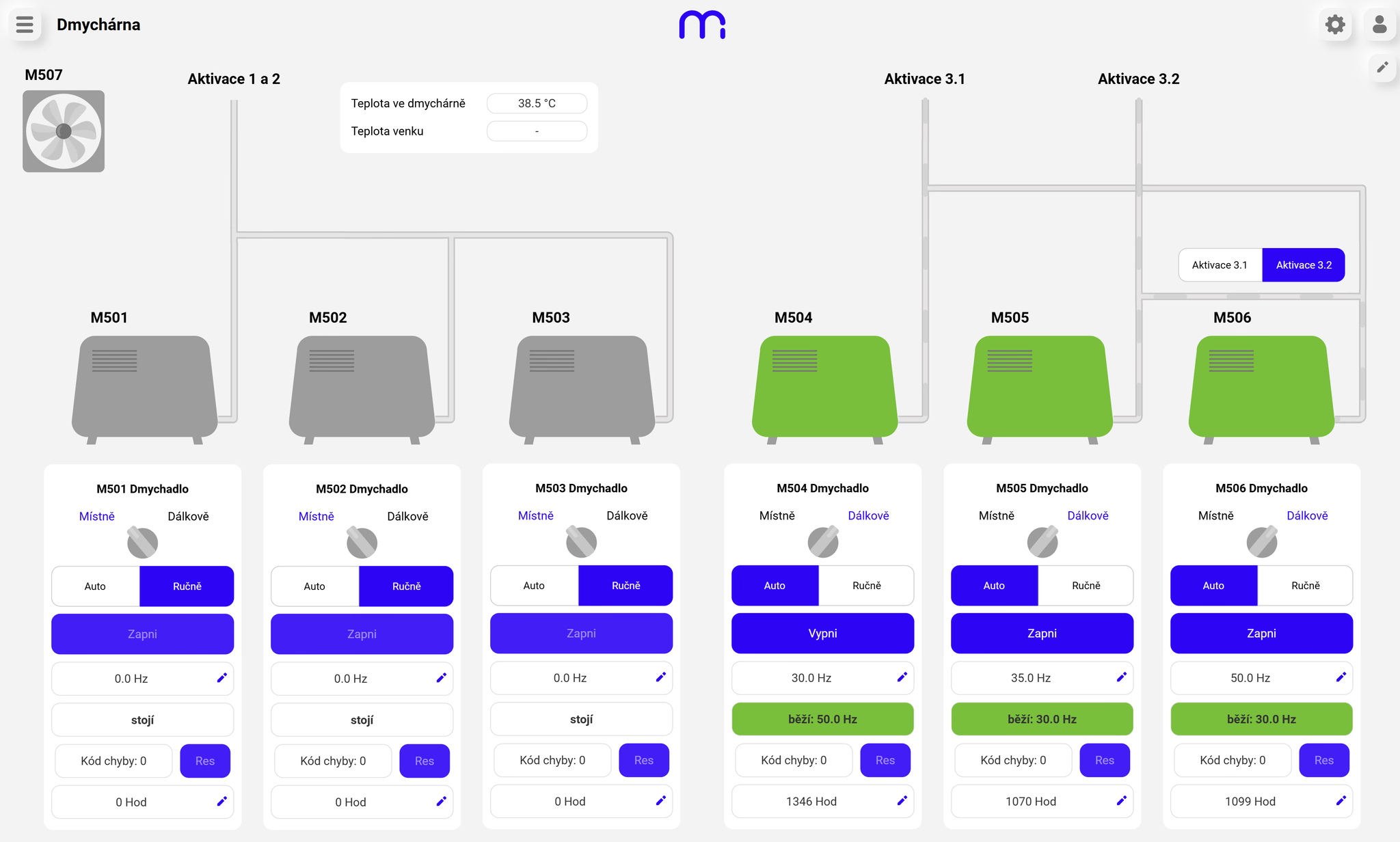
Blower-room control screen showing the state and control of six blowers in Marq one
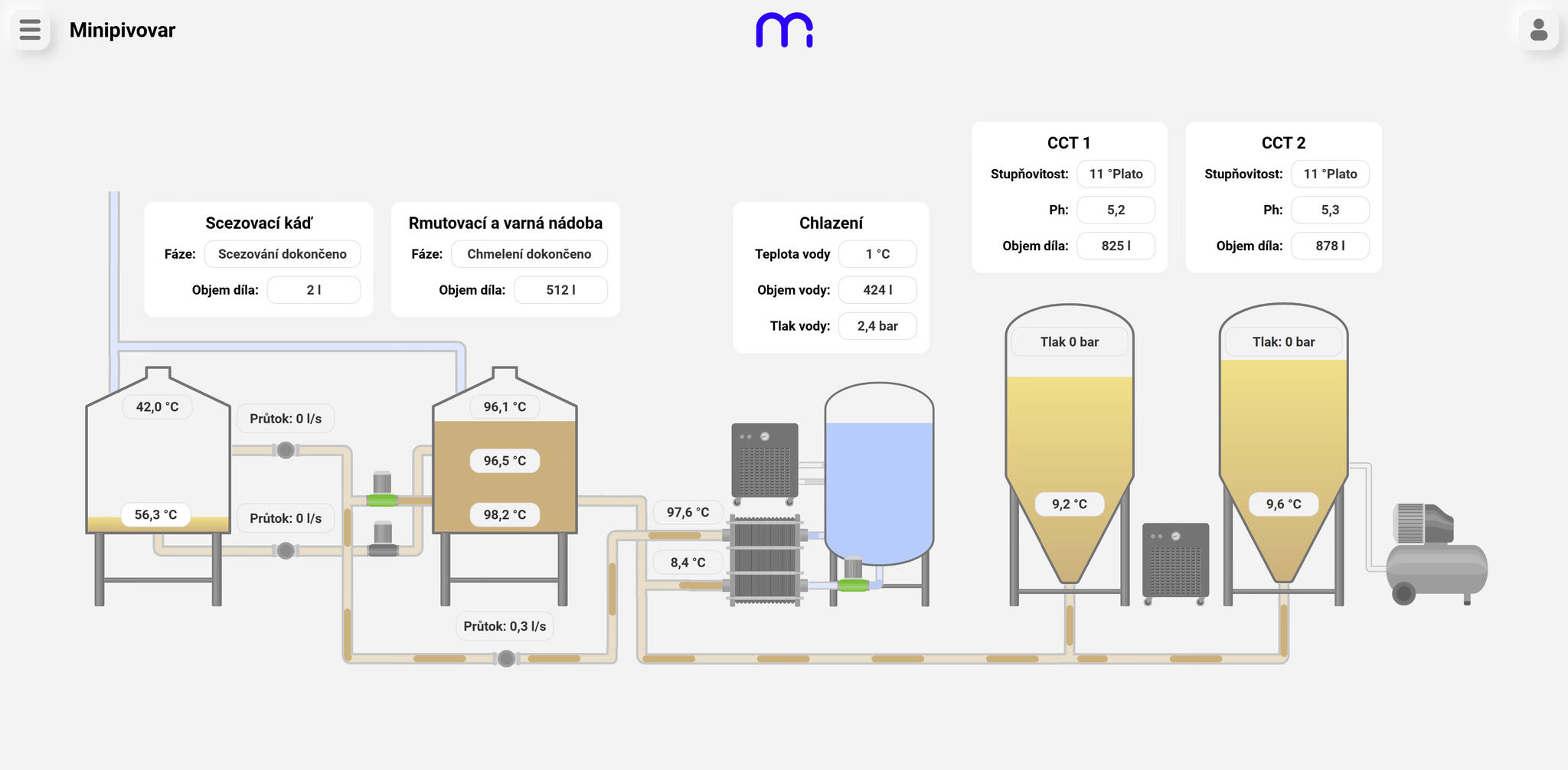
Microbrewery process visualisation in Marq one
01

SCADA

Smart, simple visualisation and control

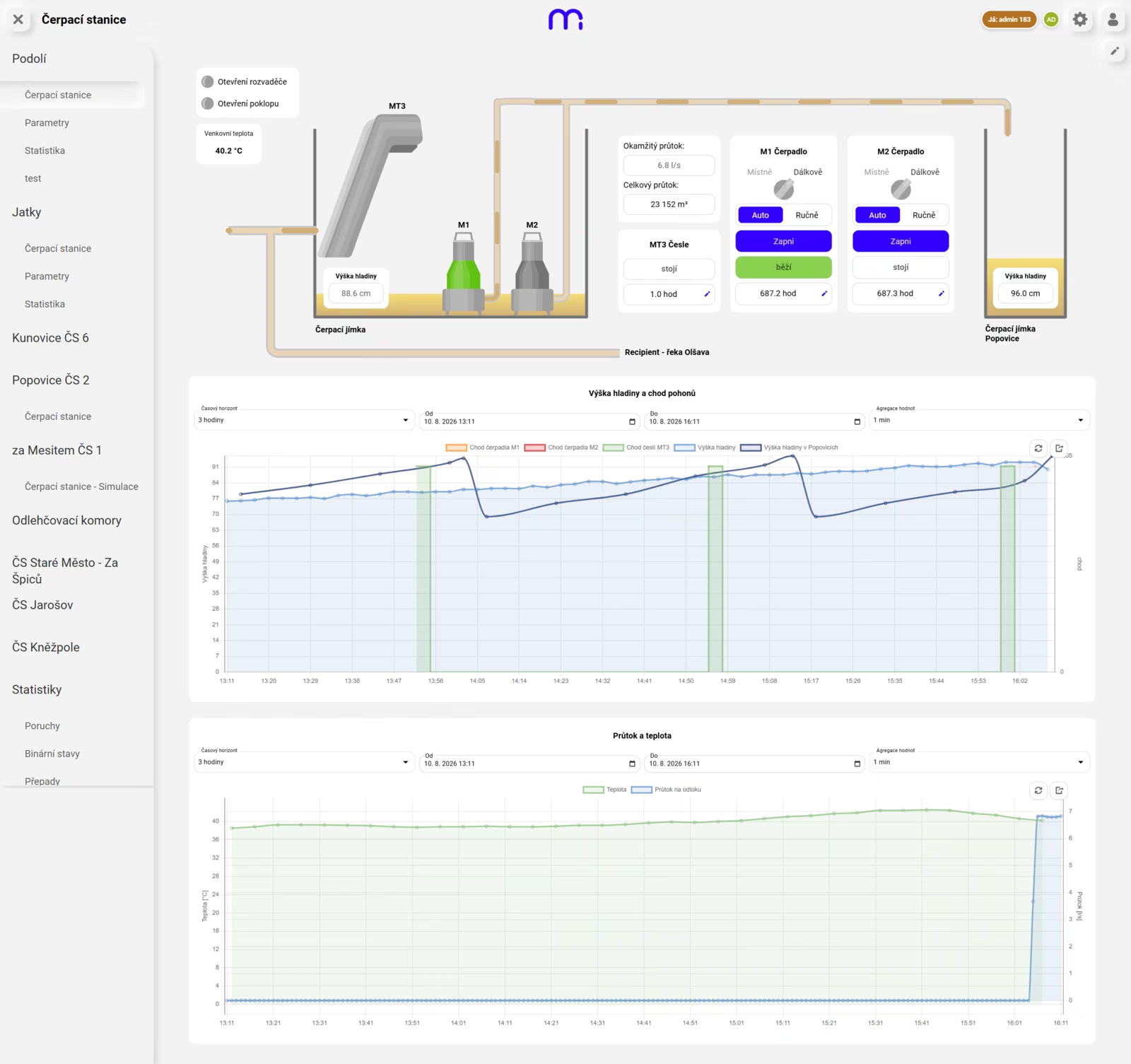
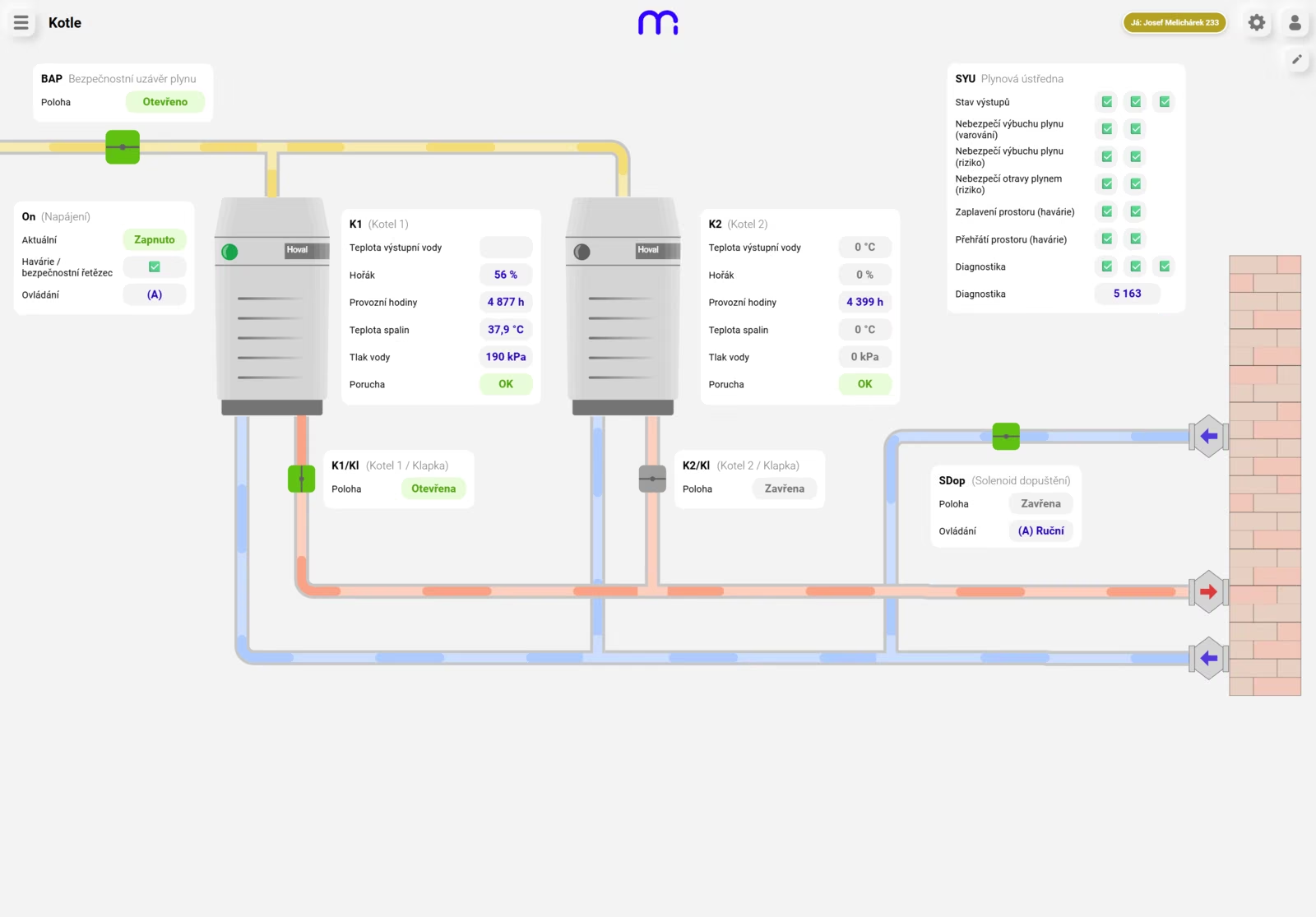
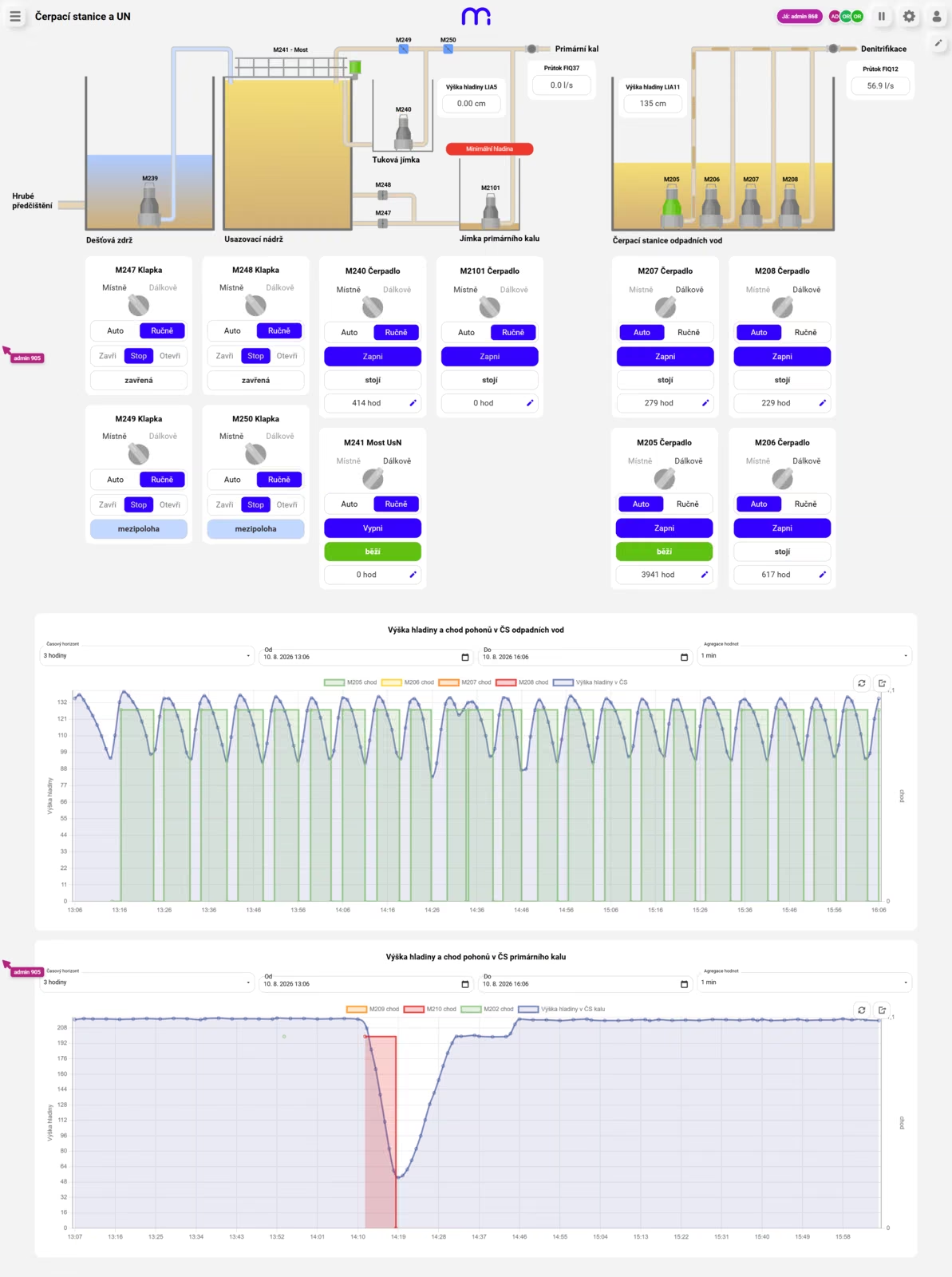
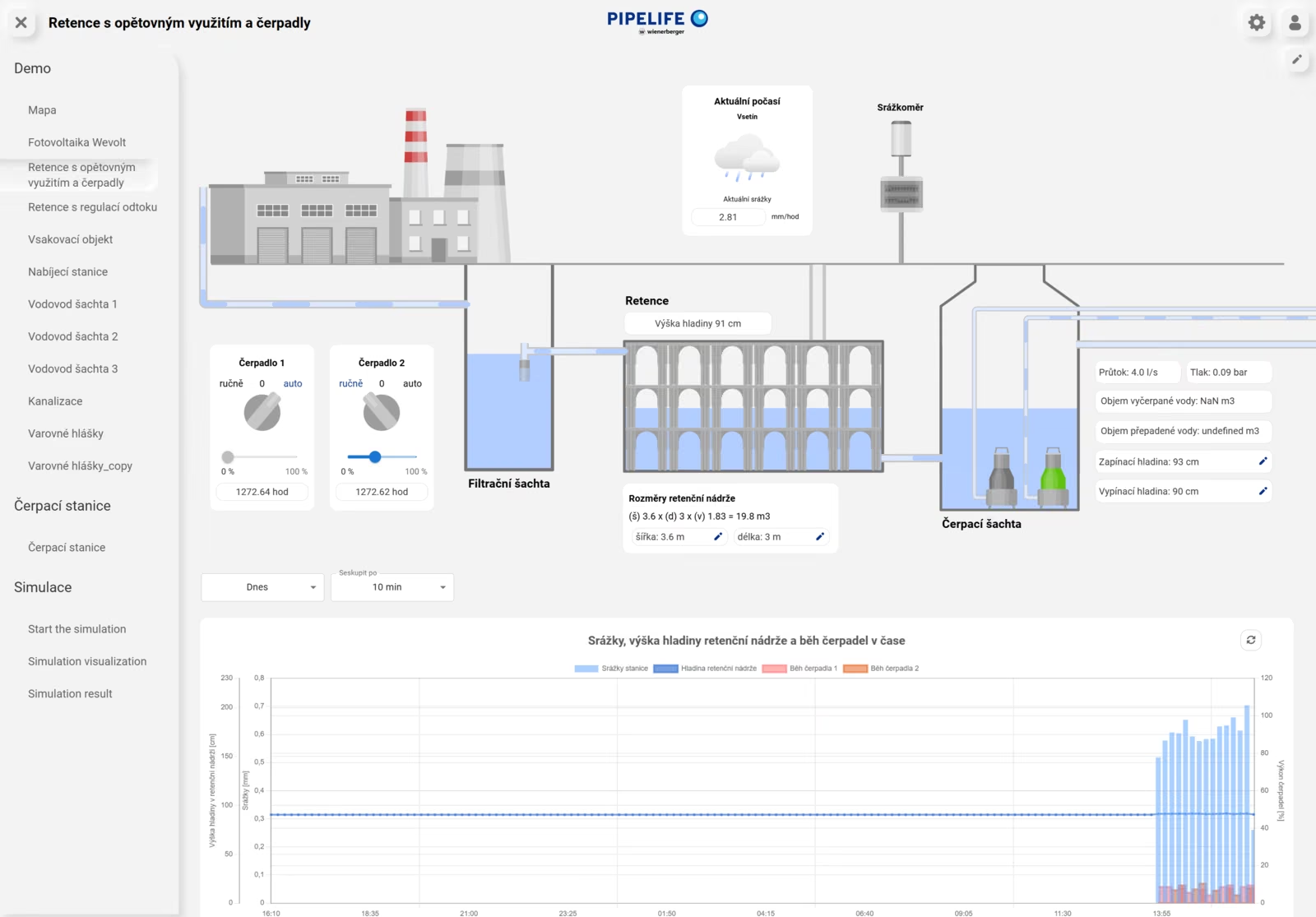
Turn technology into a modern web SCADA application without cumbersome development. Build clear screens in a visual editor, connect automation and give operators secure access to control.

  1. 01

    Visual technology editor

    Compose diagrams, controls and working views in a friendly visual environment.

  2. 02

    Live operation under control

    Current values, device states and remote control in one web interface.

  3. 03

    Alarms and history

    Notifications, event acknowledgement, trends and historical data for faster decisions.

  4. 04

    Open communication

    Connect via Modbus TCP, MQTT, OPC UA, WebSocket, REST APIs and other interfaces.

Learn more about SCADA
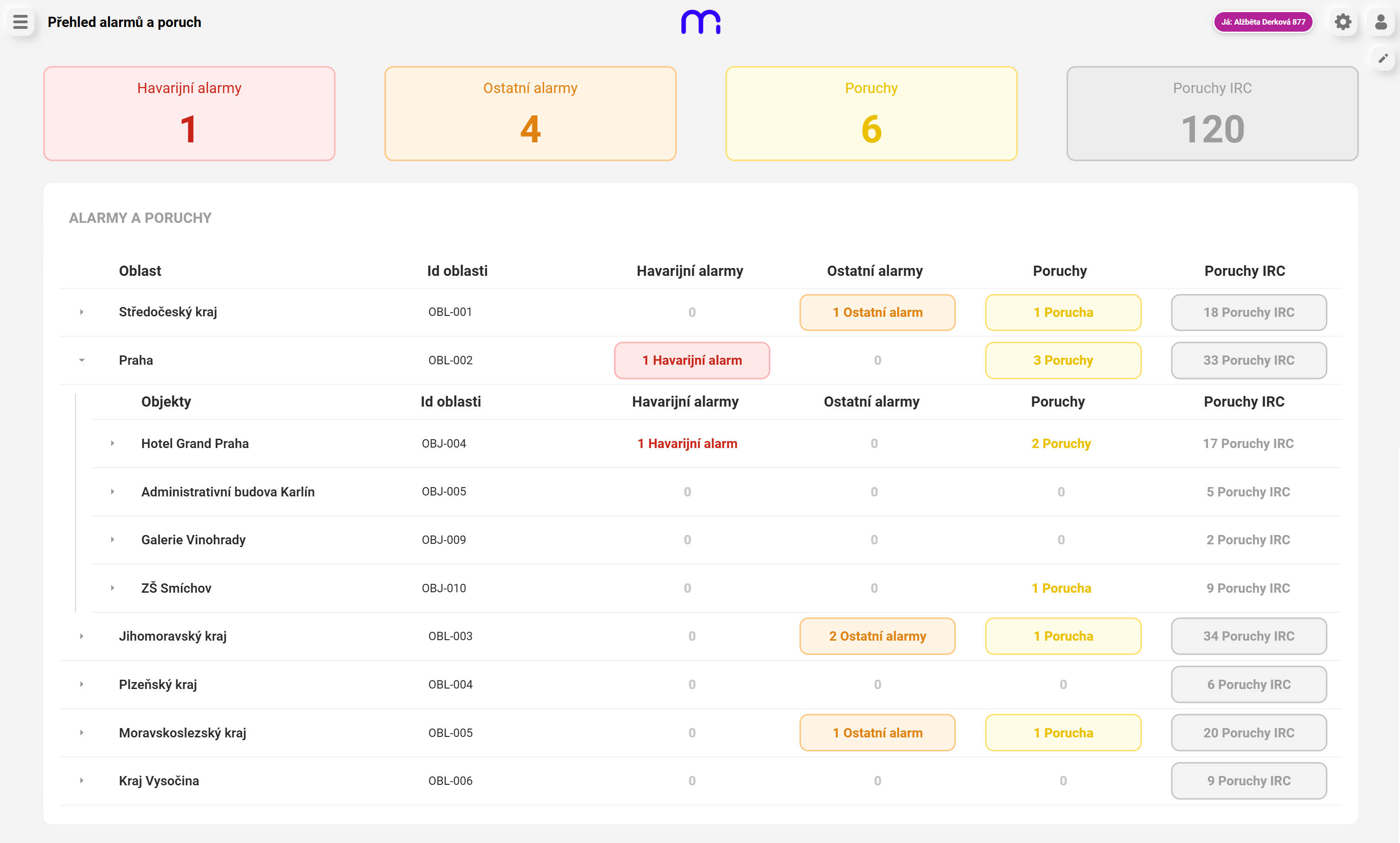
Alarm and fault overview in a Marq one control centre
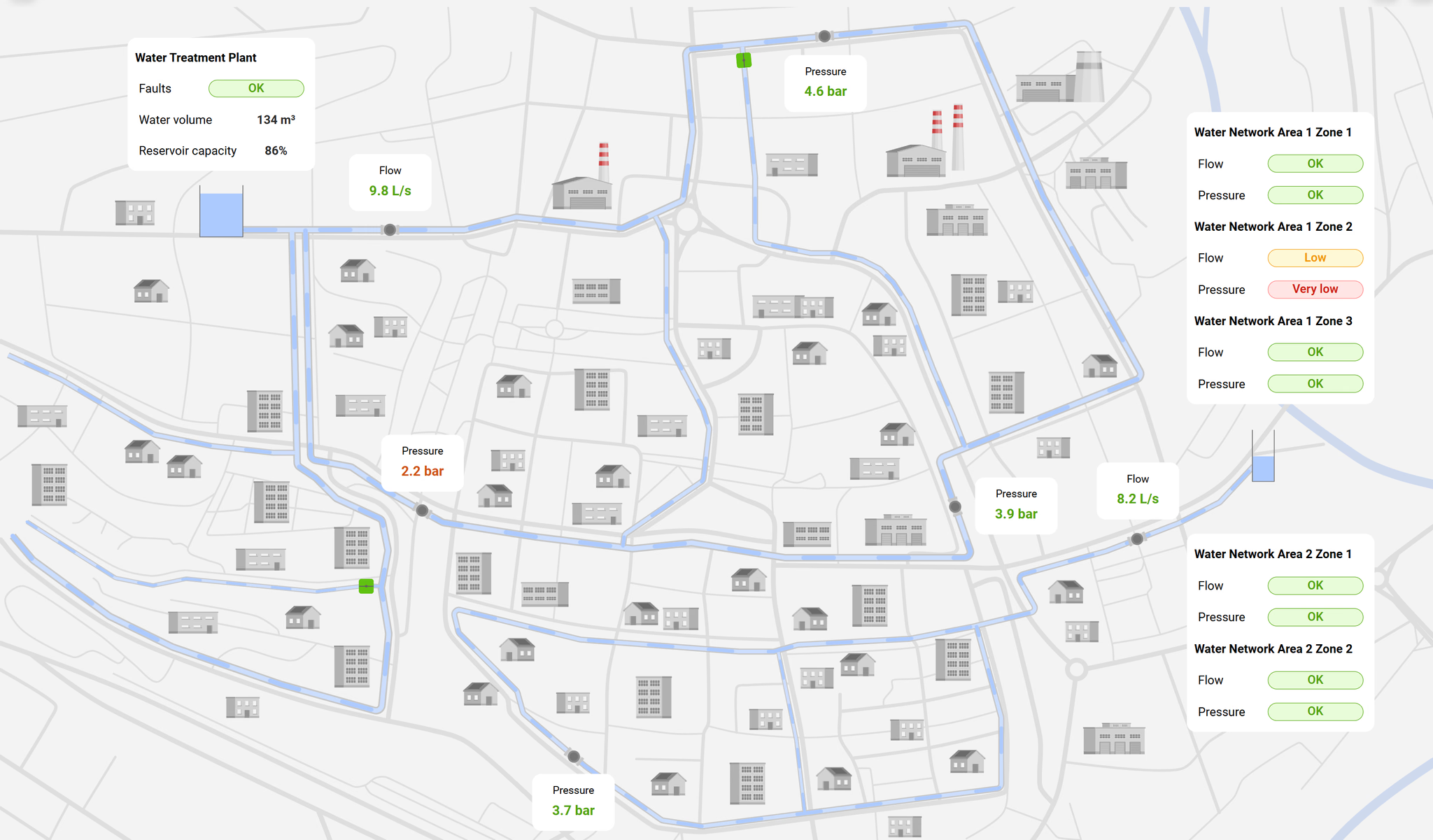
Live Radeton water-network overview with pressure, flow and zone status
02

Dispatching

Your entire operation in one live overview.

Bring distributed sites and technologies into a single control view. Dispatchers, service teams and management work with the same current data, each in an environment designed for their responsibility.

  1. 01

    Multiple sites in one view

    A hierarchy of operations, devices and technologies without switching between separate systems.

  2. 02

    Shared events and alarms

    One flow of alerts, acknowledgements and follow-up actions across the operation.

  3. 03

    Remote supervision and service

    Quick insight into device status, intervention history and service context.

  4. 04

    A view for every role

    Different information for operators, service and management on desktop, tablet and mobile.

Learn more about dispatching
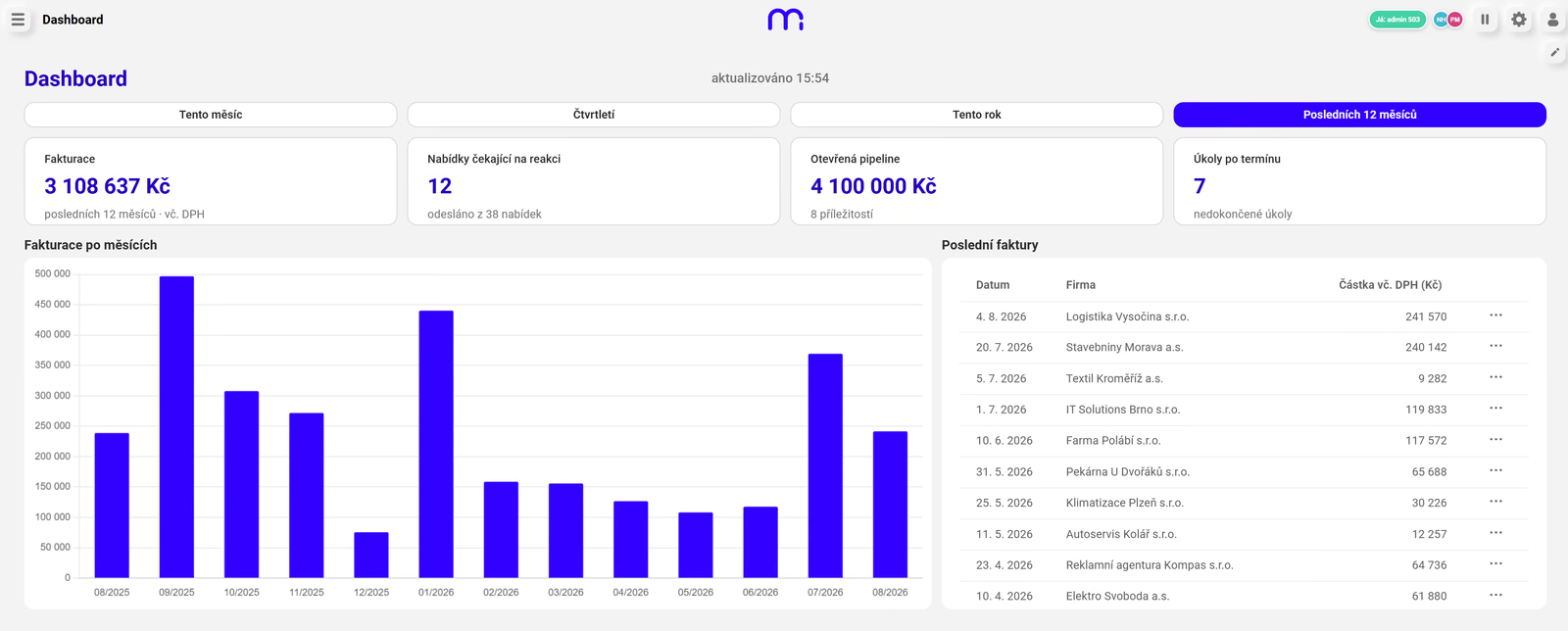
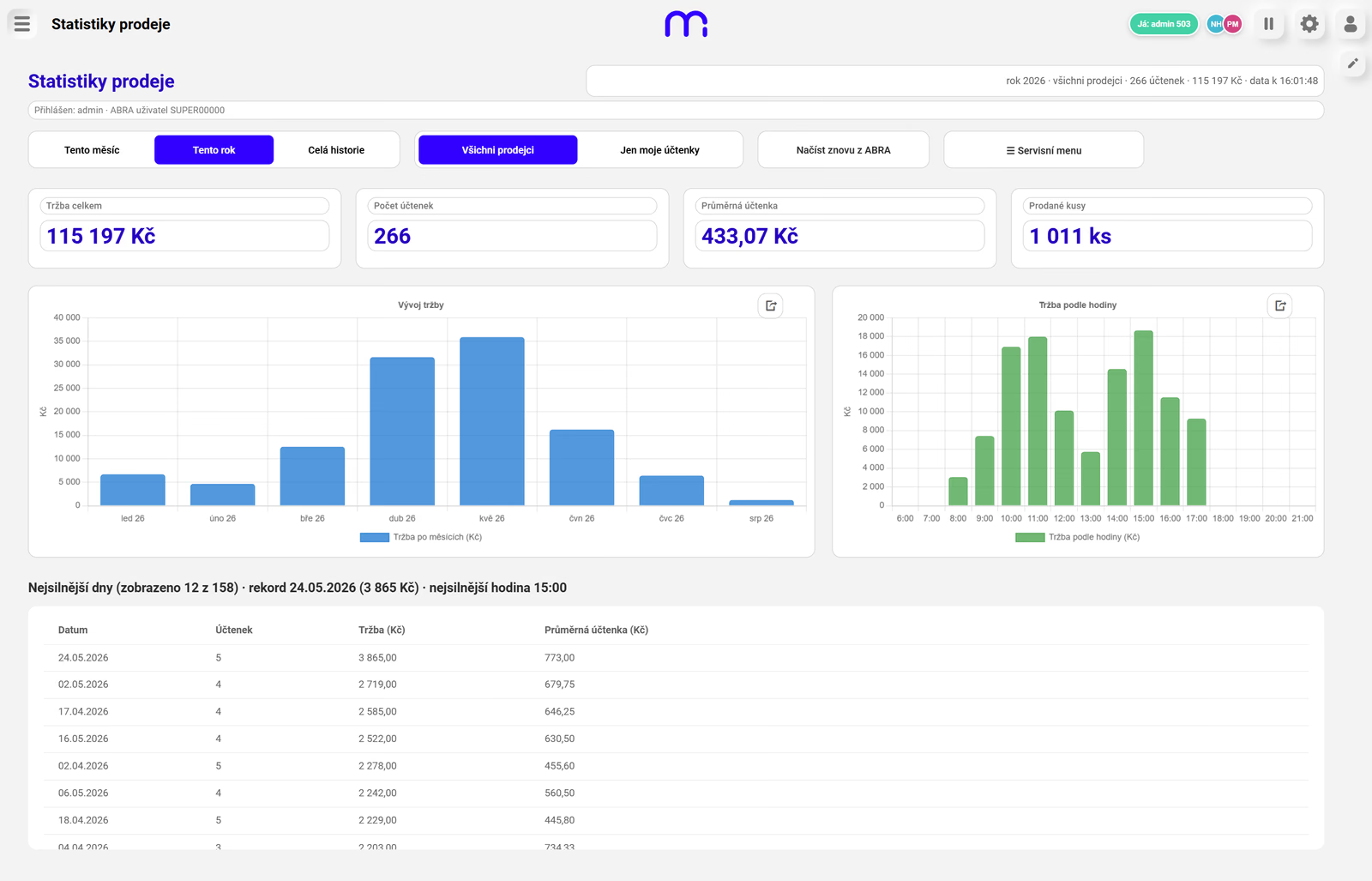
CRM dashboard and sales workflow built in Marq one
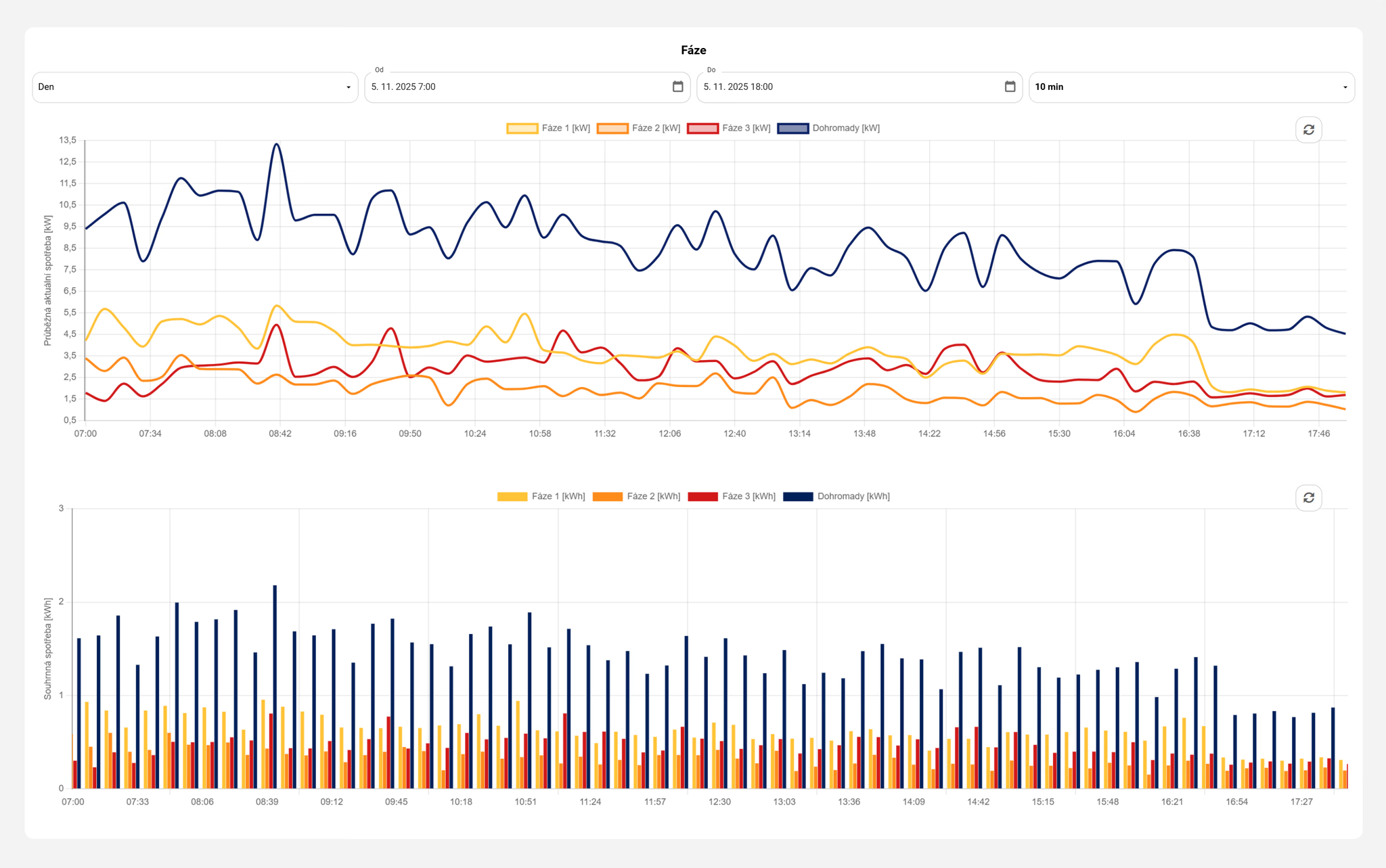
Charts of instantaneous and cumulative electricity consumption by phase
03

ERP

Working applications built on the data you already have.

Turn business data into a simple workspace for a specific role. People see only the information and actions they genuinely need, while ERP, databases and other systems remain the reliable source of truth.

  1. 01

    An interface over your systems

    Connect ERP, databases and REST APIs without replacing business software that already works.

  2. 02

    Apps for everyday work

    CRM, production terminals, forms, workflows and purpose-built tools for a specific team.

  3. 03

    Data in context

    Dashboards, reports, current values and history arranged around the real process.

  4. 04

    Role-based access

    Every user sees the right data and functions on desktop, tablet and mobile.

Learn more about business applications
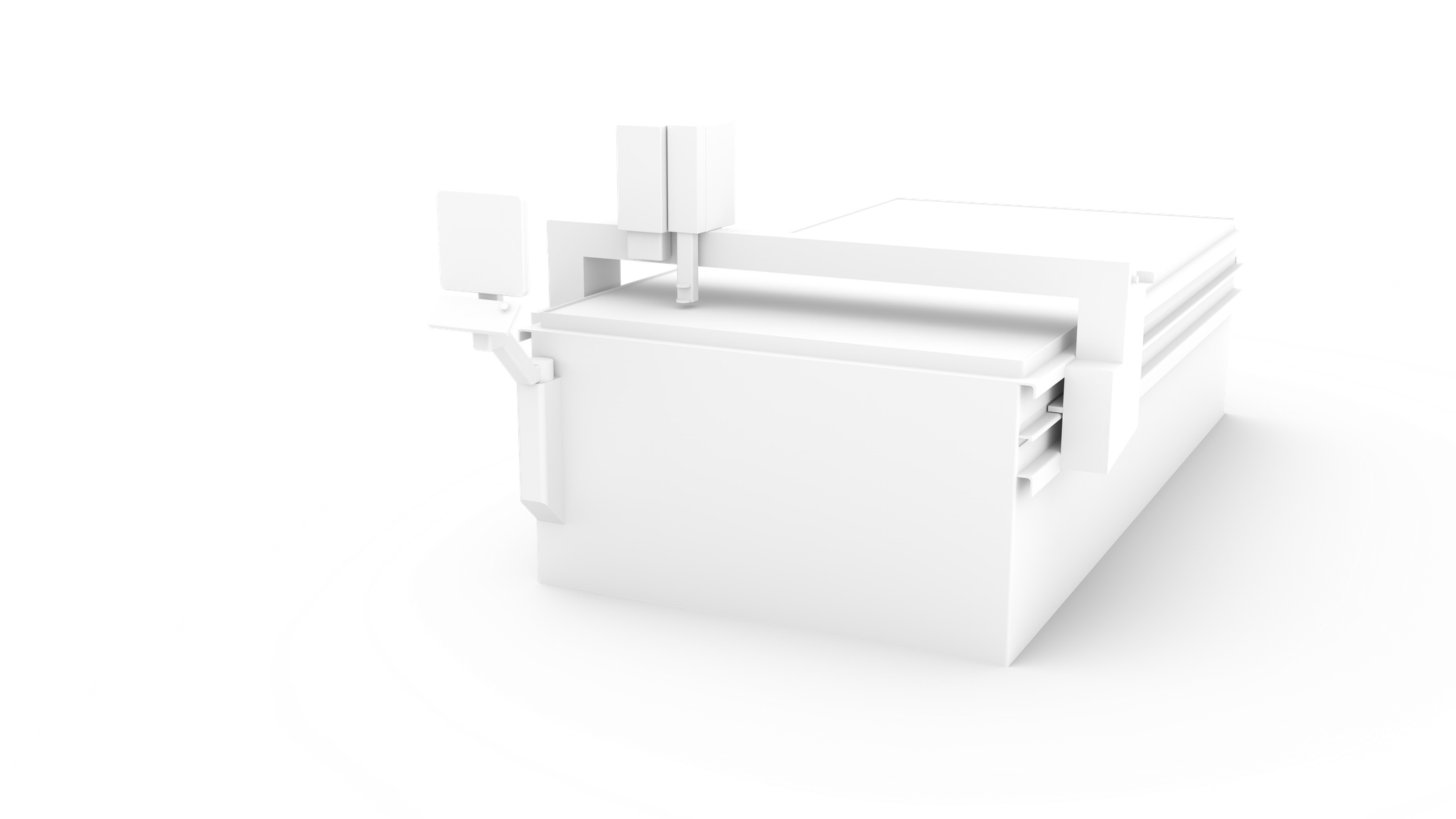
3D visualisation of a laser cutting machine
04

Custom apps

A solution shaped around your business.

When off-the-shelf software is not enough, create a solution around your exact process. We can deliver the application, or equip your team with a platform and tools to build it faster themselves.

  1. 01

    Your own interface and logic

    Screens, components, workflows and calculations follow your brief and way of working.

  2. 02

    Your brand

    Adapt the application to your visual identity and customer experience.

  3. 03

    One app, many customers

    Reuse the same solution while every customer works only with their own separated data.

  4. 04

    Deployment that fits the project

    Cloud, private cloud, on-premise or hybrid operation on one technology foundation.

Learn more about bespoke applications

FAQ

01

Is Marq One suitable for large-scale implementations?

Yes. Marq One is designed to grow from a single application or site to extensive control centres with large numbers of devices, users and data points. The database, performance and deployment model can all scale with the implementation.

02

How can Marq One work across so many different fields?

Marq One is not a finished application for one industry. It is a platform for working with data and building applications. The same components and tools create screens, dashboards, controls and automation; only the data sources and the process change. Whether you connect solar technology, a machine, a sensor or business software, Marq One works with the data on the same prepared foundation.

03

Does the application have to run in the cloud?

No. Depending on the project, it can use Marq Cloud, a private cloud, a partner server, on-premise deployment or a hybrid model.

04

Does an implementation partner need to know how to code?

No. In the visual editor, screens, data connections and application logic can be built without scripting. Our goal is to let anyone who understands the process build in Marq One. For special requirements, the platform remains open to custom code — and AI through MCP can help prepare it.

05

Why not build the application directly with AI?

In Marq One, AI builds screens, connects data and prepares logic, saving time and capacity. But it works on a finished, understandable foundation with a backend, databases, communication, permissions and security — it does not generate an opaque application from scratch. You remain in control of the result and can develop it over the long term.

One application, any device

Marq One runs on Windows, Linux and iOS. Open the same application on a desktop, tablet or phone directly in the browser — with nothing to install and no separate mobile version to build or maintain.

The mobile view is not a limited operational preview. You get the full application with the same live data, functions and the ability to control everything — always governed by the user’s role and permissions.

  • Windows · Linux · iOS
  • Desktop · tablet · mobile
  • Full control by permission
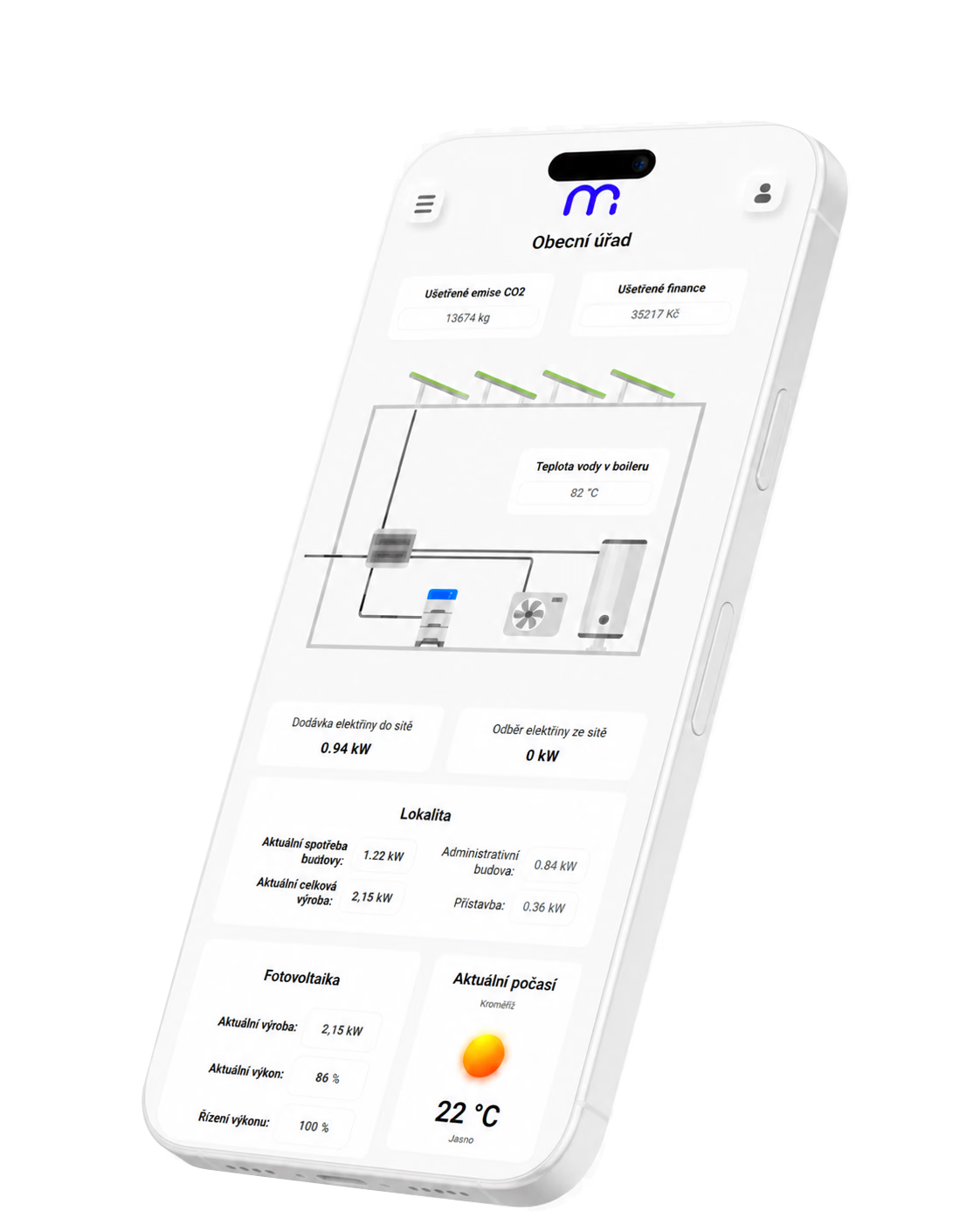
Full Marq One mobile application showing and controlling an energy technology system

AI speed on stable foundations

Through its own MCP server, AI can create and modify screens, logic and data connections inside Marq one. It does not produce an isolated prototype without foundations. AI works on an environment that already understands data, components, users and permissions.

You can still do everything without AI.

See AI and MCP in practice